

Scintillate The Sparkle Engine

Scintillate’s spectral display and its Reverb and Sparkle controls
Watch video

A spectral portal
into new worlds.

Scintillate creates sparkles within the spectrum of a conventional reverb. Cast shimmering textures onto your track, build dense clouds or create trippy reverse effects. Plenty of new sounds to play with, and get enchanted.

Give your Sparkles
some space.

Shape the tone, texture, and decay of your spectral reverb. Add a gentle glow to your sound or let it bloom into something that fills the room. The space you create is where your sparkles emerge.

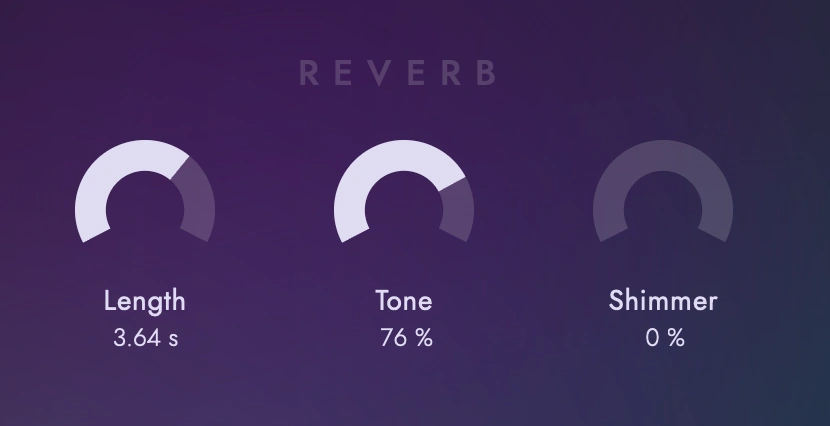
Scintillate’s Reverb section: Length, Tone and Shimmer

Unleash Fairy Dust.
Or Fever Dreams.

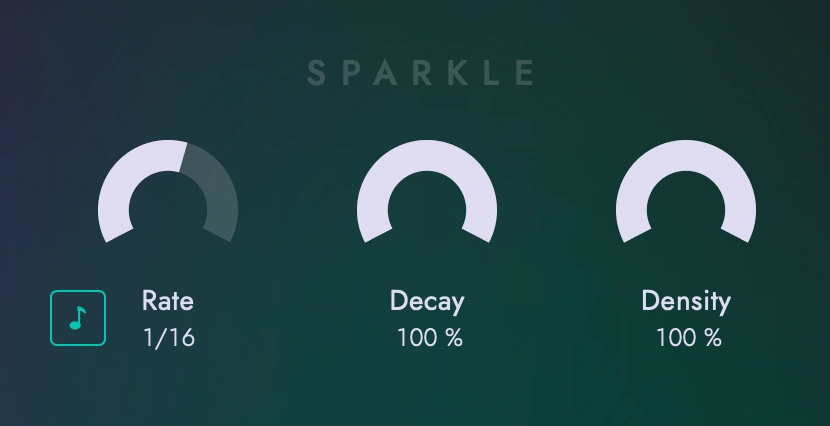
Control how fast sparkles appear, how long they linger, and how many make it through. Make them follow the beat or respond to MIDI Input. Build anything from fluttering walls of sound to intricate rhythmic patterns.

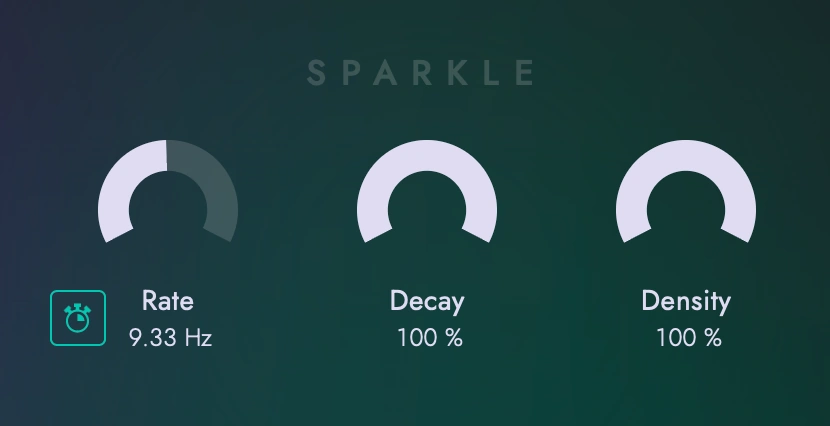
Scintillate’s Sparkle section: Free timing at 9.33 Hz, Decay and Density

Scintillate wins the
2026 KVR Developer Challenge

Thanks to the votes of the KVR community, Scintillate took first place in the 2026 Developer Challenge. We created Scintillate in collaboration with Signalsmith Audio, who programmed the DSP (Digital Signal Processing) that brings its sparkles to life.

Read more on KVR Audio

Download Scintillate

v1.1.0

  • Download for Windows

    • Windows 10 or later (64-bit)
    • Microsoft Edge WebView2 Runtime
    • CLAP
    • VST3
  • Download for macOS

    • macOS 11 or later (Apple Silicon or Intel)
    • CLAP
    • VST3
    • AU
Changelog

v1.1.0

Added: - Tempo-synced mode that refreshes sparkles on the beat - MIDI-triggered mode that triggers sparkles based on velocity - Sparkles are now deterministic, with a Seed parameter - The entire plugin UI is now fully accessible for assistive technology. - Added parameter smoothing for mix parameters - Wet Gain knob - Update checking

Fixed: - Various installer issues on macOS and Windows - Automating the plugin on and off changing unrelated parameters

Scintillate FAQ

Will Scintillate work with my DAW?

Scintillate is compatible with any plugin host supporting CLAP, VST3 or AU format.

If your DAW supports CLAP, use it to take advantage of integration into the undo system and safe parameter modulation.

Is Scintillate really free?
Yes. Scintillate is completely free to download and use. No trial period, no purchase required.
Who created the DSP for Scintillate?
Scintillate was developed by Sweet Audio, with its DSP (Digital Signal Processing) created by Signalsmith Audio for the KVR Developer Challenge 2026. DSP is the part of a plugin that processes the audio behind the scenes, bringing its sound design to life.